Mortal Shell 2 How to Get Shell Back & Revive Shell Guide
Updated September 19, 2026 · Checked for the current launch build
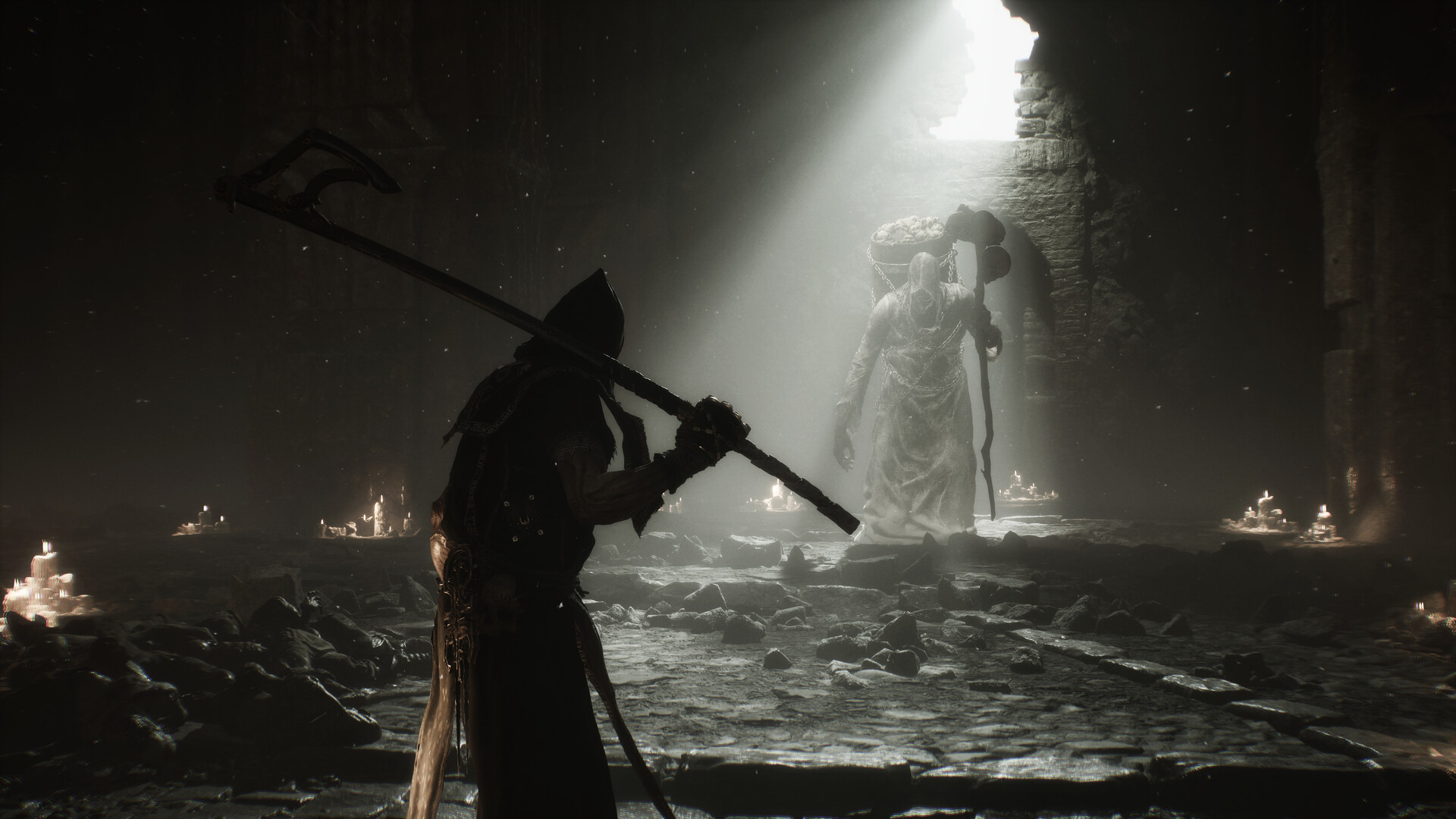
Official promotional screenshot: Steam / Cold Symmetry / Playstack
Two Ways to Get Your Shell Back
| Method | How it Works | Best Situation to Use |
|---|---|---|
| 1. Melee Meter (100% Swirl) | Land melee hits on active enemies to charge the circular icon, then press Revive. | Active combat where weak fodder enemies exist to hit safely. |
| 2. Beacon Rest | Sit at any discovered Beacon. Respawns you inside your Shell with full HP. | Surrounded by lethal enemies or when the meter penalty is too high. |
Shell Revive Button Inputs
| Platform | Button to Press at 100% | Common Pitfall |
|---|---|---|
| Xbox Controller | Y (Top face button) | Pressing before the icon glows 100% full does nothing. |
| PlayStation (DualSense) | Triangle | Mashing during an attack animation can queue an unwanted swing. |
| PC Keyboard & Mouse | Z (Default keybind) | Can be rebound in Options > Controls > Shell Action. |
Understanding Revive Efficiency & Escalating Costs
Unlike the original Mortal Shell which offered a simple one-time eject mechanic, Mortal Shell 2 allows multiple revives per life, but penalizes repeated ejections:
- First Ejection: Requires roughly 3–4 clean melee strikes to fill the meter to 100%.
- Second Ejection: Requires roughly 7–8 strikes, putting you at severe risk while naked.
- Third Ejection & Beyond: Can require 12+ strikes before the swirl prompt appears.
- Resetting the Counter: Resting at any Beacon immediately resets the revival requirement back to baseline.
Survival Rules as the Harbinger
- Mobility is Life: The Harbinger has high stamina and fast dodge frames, but dies in 1–2 hits from any elite enemy or boss.
- Only Melee Charges the Meter: Ranged sidearms (Nayleshotte, Crossbow) do not build revive meter. You must connect with melee swings.
- Revive Immediately: As soon as the swirl appears, hit the button without hesitation; you are vulnerable while staying in Harbinger form.
Related guides
How to heal & Mether's Pulse · Recover dropped Gloom · Combat & Harden guide · Shell stats & survivability
Frequently asked questions
How do I get my Shell back in Mortal Shell 2?
When your Shell's health reaches zero, you are ejected as the fragile Harbinger. To get your Shell back mid-fight, land melee attacks on enemies to fill the circular Shell icon on the bottom right of the HUD. Once it hits 100%, a swirl prompt appears—press the revive button immediately to re-enter your Shell.
What button revives your Shell?
On Xbox controllers press Y, on PlayStation controllers press Triangle, and on default PC keyboard press Z. The button only functions when the Shell gauge has reached 100% full.
Why does it take more hits to revive my Shell each time (Revive Efficiency)?
Mortal Shell 2 features escalating revival difficulty: every time you get ejected and revive during the same run, the required melee hits increase significantly. Resting at any Beacon immediately resets this escalating penalty back to the baseline.
What happens if you die as the Harbinger?
If you take fatal damage while outside your Shell, your character dies permanently for that run. You will respawn at the last active Beacon, your Shell will be restored, but all collected Gloom will drop at the death site, requiring a corpse run.
Does sidearm fire fill the Shell revive meter?
No. Only direct melee weapon hits generate Shell revival progress. Ranged sidearm shots (like Crossbow or Nayleshotte) do not build the meter.