Mortal Shell 2 PC Fixes, Crashes & Steam Deck
Updated September 4, 2026 · Checked for the current launch build
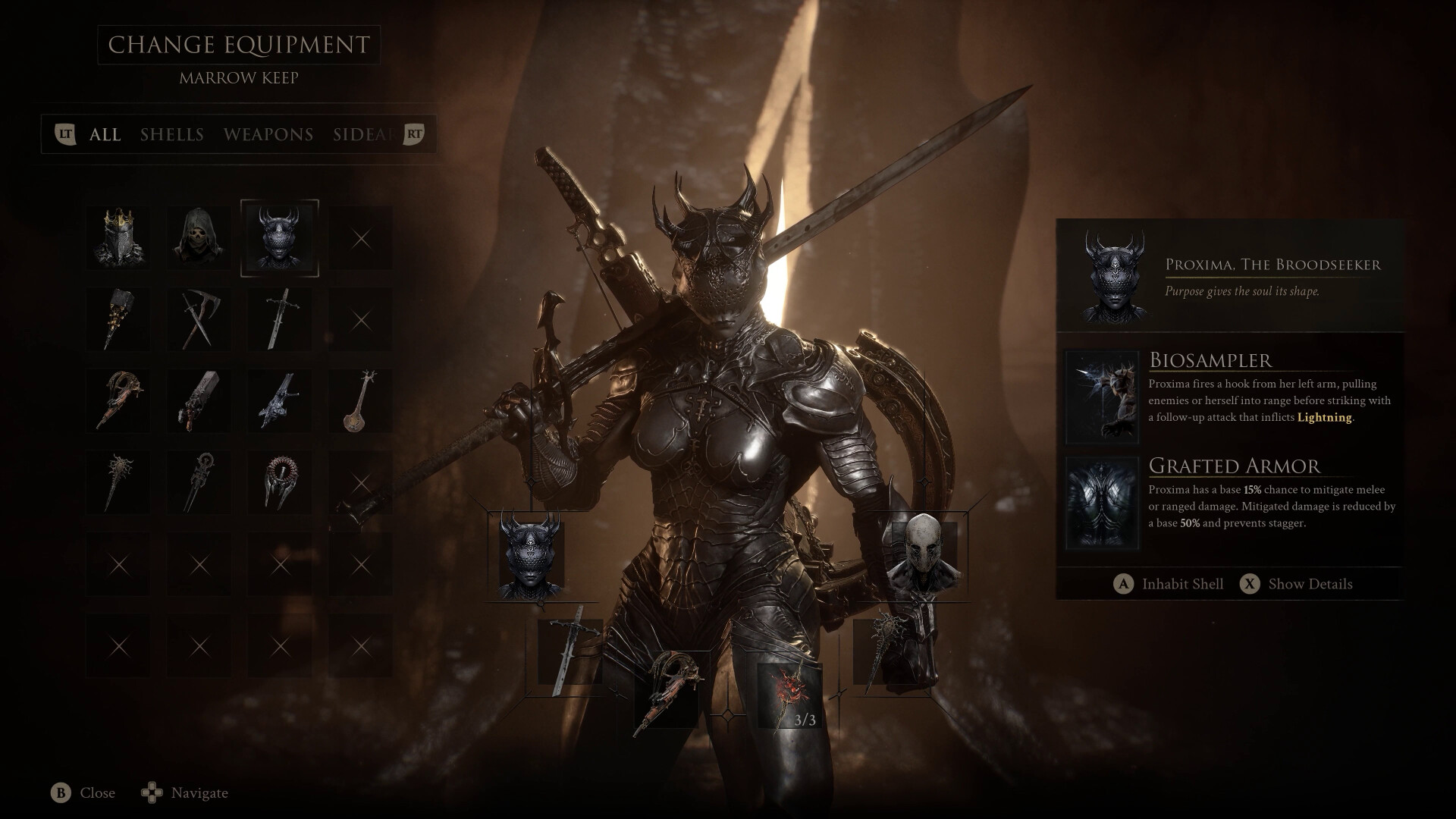
Official promotional screenshot: Steam / Cold Symmetry / Playstack
Do this first
- Update to the Week 1 Update on PC. Balance Patch 1 is not the current crash pass.
- If frame generation broke after the patch: remove mods, make sure
engine.iniis not read-only, then verify Steam files. That is Cold Symmetry's written recommendation. - GPU: set Shader Cache Size to Unlimited (NVIDIA Control Panel or AMD Software). Week 1 moved remaining shader work into the menu, but first visits can still hitch.
- Turn Frame Generation off and retest before changing anything else. Launch and post-launch crash reports still cluster on FG.
- If the game still will not boot, delete the local shader cache and let it rebuild on the next launch.
Zmey: weapons disappear mid-fight
- Cosmic Disease is a separate status. Seedbearer's Scripture (Night Mode route) mitigates it and can eject you from a Shell if the meter fills.
- If weapons vanish, you often cannot attack until the attempt is abandoned. Quit and retry without the remnant.
- Some players also reported item use during phase two as a trigger. If the remnant is already off and it still happens, avoid the active-item button for that attempt.
Other launch issues
- Crashes: still reported after Patch 1 on some PCs. Lower upscaling quality, disable extra overlay software, and try a borderless window.
- Save / teleport bugs: X posts on August 23 describe saves breaking after a teleport. Keep a spare manual save if the platform allows it.
- Stuck in geometry: quit to title and continue; you return to the last Beacon.
- Lazlo + Monolith crash: at least one player reported switching off Lazlo stopped a Monolith crash. Treat as unverified but cheap to test.
Steam Deck
Steam Deck HQ's launch test: the game is playable. A locked 30 FPS is smoother than chasing 40–60 in crowded fights. Use Medium or Low, TSR Balanced, and the SteamDeck=0 %command% launch option if the in-game settings menu is hidden.
Expect hitching when a new area compiles shaders. That usually calms down after the first visit. Week 1 also added Switch Pro / Pro 2 glyphs and better Steam Deck detection.
FPS starting point
Full option names live on settings. If the game is playable but ugly-stuttery, this is the first custom pass most launch write-ups agree on:
- Cap the framerate (60 is the usual first cap) and try VSync only if the cap is not enough.
- FSR or TSR on Performance / Balanced. Frame Generation off until the build is stable.
- Global Illumination and Shadows to Low. Motion Blur and Vignette off.
- Textures Medium if VRAM allows, Low if it does not.
Community Steam Deck performance first look
Unofficial player benchmark. Crash and Zmey workarounds on this page come from official patch notes, Playstack comments, and Steam Deck HQ — not from that video.
Related guides
Week 1 Update · Graphics and controls · Zmey boss guide · PC requirements