Mortal Shell 2 How to Lock On
Updated August 23, 2026 · Checked for the current launch build
Quick answer: Manual lock-on is Q on PC, R3 (right stick click) on PlayStation, and RS on Xbox. Press the same input again to release. If the camera feels drunk on large bosses, drop the lock and fight unlocked.
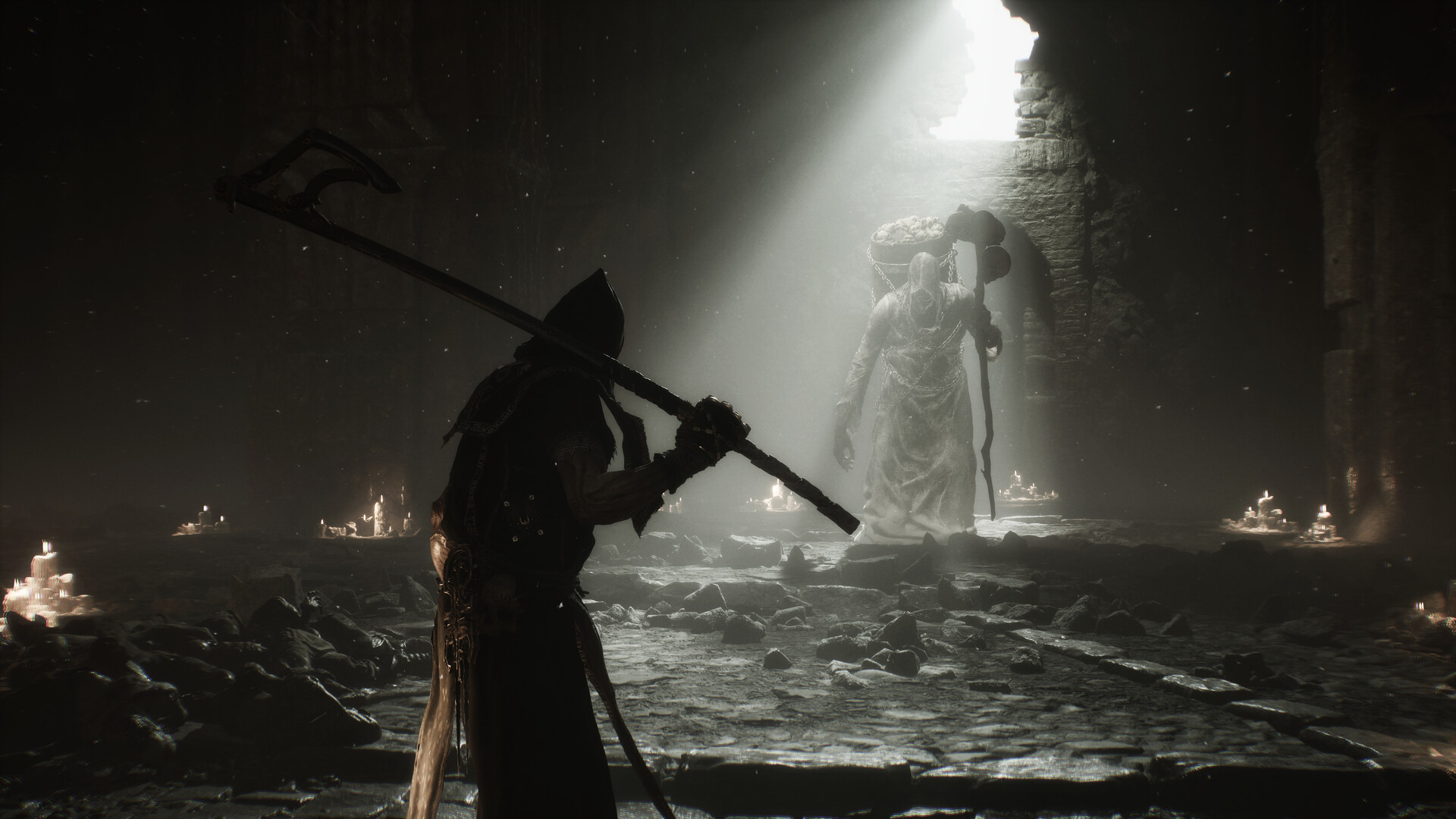
Official promotional screenshot: Steam / Cold Symmetry / Playstack
Default inputs
| Platform | Lock / unlock |
|---|---|
| PC (keyboard) | Q |
| PlayStation 5 | R3 (click the right stick) |
| Xbox Series | RS (click the right stick) |
Open the in-game controls menu if Q does nothing — a custom bind will override this table.
When to turn it off
- Zmey, Monolith, and Magdalena's chair charges often read better unlocked. The lock pulls the camera into the body.
- Clone / add phases (Vrannic, Grasping Root) — lock will stick to the wrong target.
- If you rebound lock-on and it fights the mouse, reset the control or play unlocked.
Related guides
Parry · Combat · Kick · Beginner tips
Evidence: Inputs follow Game8's How to Lock On Enemies page. Camera advice is a launch-week player report, not an official setting. Verified August 23, 2026; check in-game controls if you rebound keys.